Build the career you want

Steady, flexible work options
Every year we help over 225k people across the country find jobs with clients that range from large Fortune 100 companies to small, private businesses.
11k
clients trust us to staff their teams

A foundation for your future
We’re on your side every day, advocating for your safety, stable income, and higher pay to help you get ahead.
100%
of workers have access to benefits and W-2 protections

We’re invested in your success
We offer free online courses to develop work and life skills. Courses range from frontline supervisor to Microsoft Office to Mechanical Maintenance to communication skills and budgeting.
90%
of graduates feel the knowledge they gained can be directly applied to their career
Our Bluecrew app puts you in control
Use the Bluecrew by Employbridge app to find and work hourly jobs that fit your life
Create your own schedule
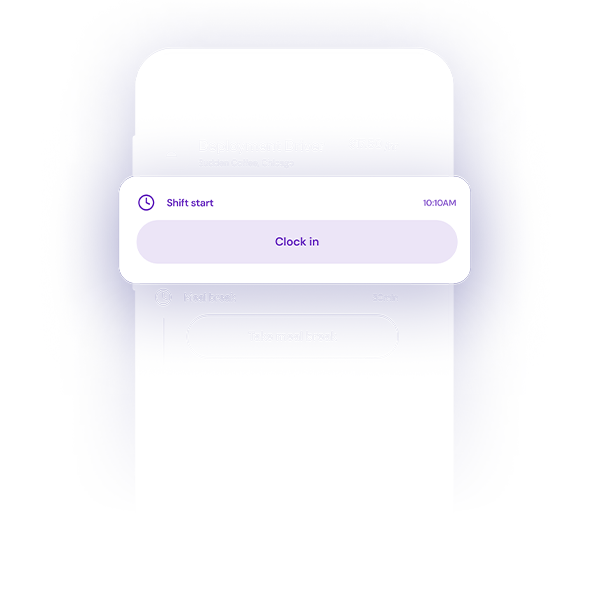
Select from a variety of work that is full-time or part-time, short-term or long-term. Then view your schedule and clock in and out, all from the app.
Earn even more with Bluecrew rewards
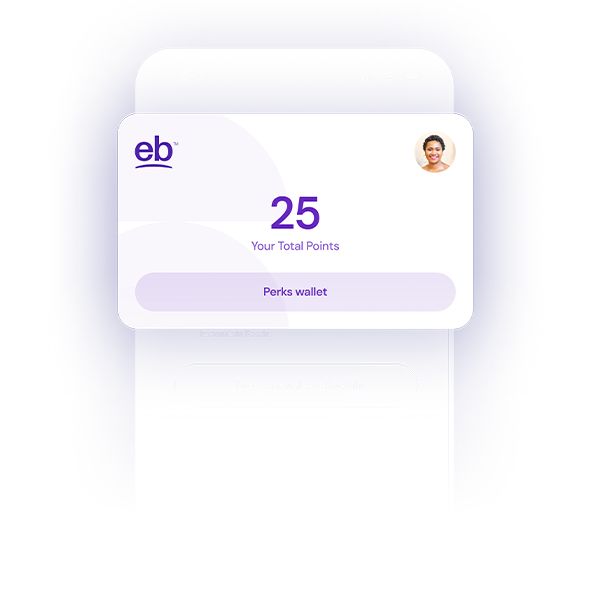
Earn points by working and cash them in for perks from many of your favorite entertainment, food, and retail brands.
Very enjoyable company to work for! Very helpful people walking and talking you through the entire job assignment and what is expected. 10/10
How Employbridge delivers
better pay and benefits
Understand the difference between being a W-2 worker versus
an independent contractor.
|
Typical Gig Work Indep. Contractor (1099) |
Employbridge W-2 Worker |
|
|---|---|---|
|
Health insurance |
 Sometimes |
 Always* *Talent who average 30 or more hours during their first 4-6 weeks are offered a comprehensive plan on the 90th day. |
|
Dental benefits |
Sometimes |
Always* *Talent who average 30 or more hours during their first 4-6 weeks are offered a comprehensive plan on the 90th day. |
|
Opportunity for retirement savings |
Sometimes |
Always |
|
Referral bonuses |
Sometimes |
Always |
|
Overtime pay |
 Not Guaranteed |
Always |
|
Minimum wage |
Not Guaranteed |
Always |
|
Employee savings program |
Not Guaranteed |
Always |
*Talent who average 30 or more hours during their first 4-6 weeks are offered a comprehensive plan on the 90th day.
Find out more about working with Employbridge

Frequently
asked questions
We offer several ways to apply for jobs.
- Search for jobs on this website, then use the Apply Now button from the job detail page.
- Contact your local Employbridge office.
- Call the Employbridge Help Center at 1.888.381.7248.
- Download the Bluecrew app and search for jobs there. To learn more about the Bluecrew app, see the Bluecrew How It Works page.
- W-2 protections such as overtime pay and workers’ compensation coverage.
- The American Worker benefits including 5 medical options, dental, vision, life/AD&D, accident and critical illness/hospital insurance once you start working your first shift and opt in.
- Individual Retirement Account contributions through your paycheck.
- Comprehensive medical benefits are offered on the first of the month 60 days after your hire date if you average 30 or more hours during your first several weeks.
- Free mental health, financial, and legal consultations through our Employment Assistance Program (EAP).
- Working Advantage platform, with deals and exclusive discounts on travel, entertainment, electronics, and more.
- Other perks, such as On Demand Pay and our Bluecrew Rewards program, if you apply through the Bluecrew platform. Learn more about the Bluecrew app.